How to Automate Customer Enquiries Without Losing the Human Touch
The challenge is not just automating enquiry handling—it is doing it in a way that maintains service quality, builds trust, and leaves customers feeling heard rather than processed.
Key Takeaways
- Automate routing and qualification, not relationship-building
- Humans should handle edge cases and high-value enquiries
- Transparency matters - customers prefer knowing when they interact with automation
- The best systems blend AI speed with human judgment
- Measure both efficiency gains and customer satisfaction scores
The Problem with Pure Automation
Many businesses rush to automate customer enquiries without thinking through the trade-offs. A chatbot that cannot handle nuance. Auto-replies that feel robotic. Systems that force customers into rigid categories when their needs are genuinely unique.
The result? Faster response times but lower satisfaction. Fewer support tickets but more escalations. Cost savings overshadowed by reputational damage.
The better approach: automate the process, not the relationship.
What to Automate (and What to Keep Human)
Good Automation Candidates
- Initial triage and routing: Classify enquiries by type (sales, support, billing) and route to the right team automatically.
- Data capture: Extract key details (name, company, issue type) from emails or forms and populate your CRM.
- Acknowledgment and expectations: Send instant confirmation with realistic timelines for human follow-up.
- FAQ handling: Surface relevant knowledge base articles or provide pre-written answers to common questions.
- Status updates: Proactively notify customers when their enquiry progresses through stages.
Keep Human
- High-value prospects: Qualified leads and enterprise enquiries should go straight to a human.
- Complaints and negative sentiment: Frustrated customers need empathy, not an algorithm.
- Complex or ambiguous requests: If the enquiry does not fit neatly into a category, human judgment is essential.
- Relationship-building moments: First-time buyers, contract renewals, and referral requests deserve personal attention.
Design Principles for Human-Friendly Automation
Transparency
Tell customers when they interact with automation vs. a human. Being upfront builds trust.
Easy Escalation
Always provide a clear path to a human. Make it simple to request human assistance.
Personalization
Use CRM data to tailor responses. Returning customers should get different treatment than first-time enquirers.
A Practical Enquiry Automation Workflow
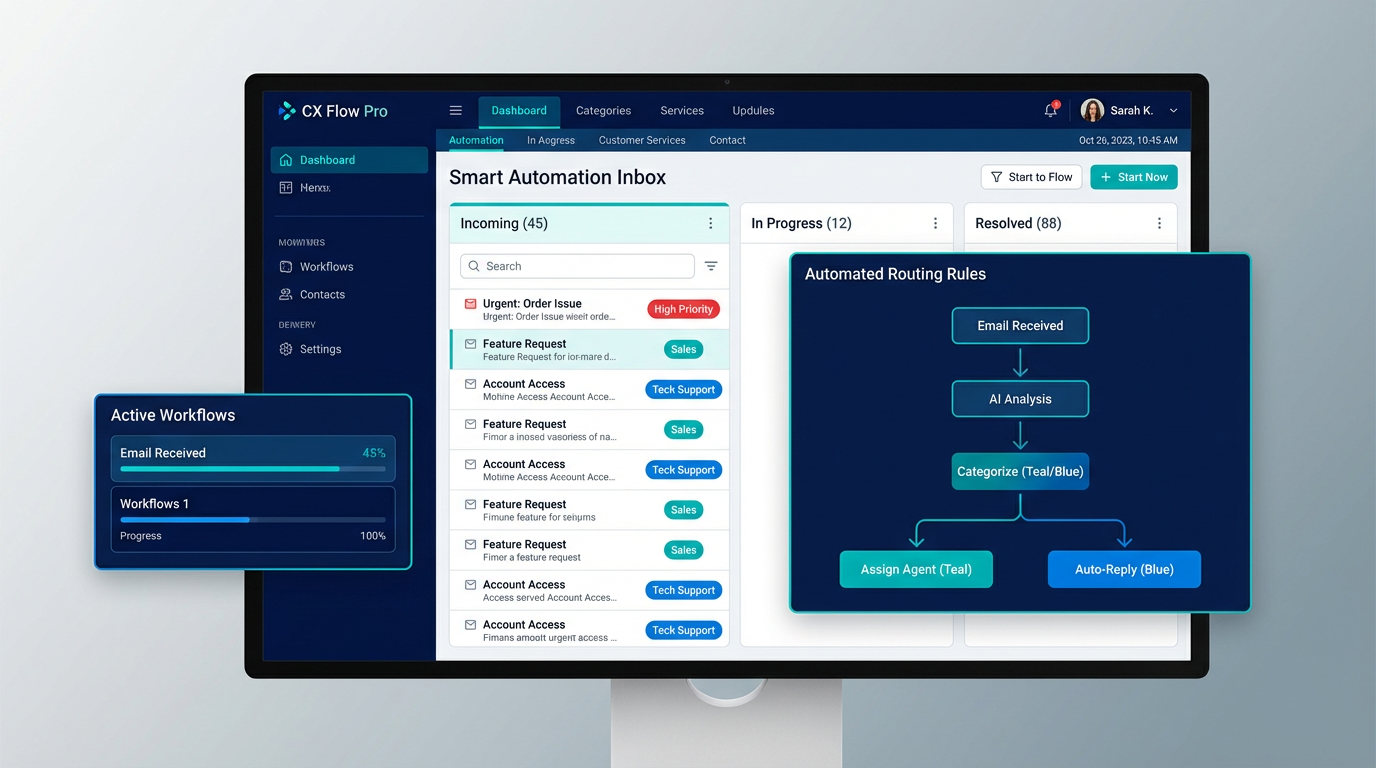
Here is how a well-designed system handles an inbound enquiry:
- Capture: Enquiry arrives via email, form, or chatbot. System extracts sender details, message content, and any attachments.
- Classify: AI categorizes the enquiry (sales, support, billing, other) based on keywords and context.
- Score: Assign priority based on customer value, urgency indicators, and sentiment. High-priority goes straight to humans.
- Acknowledge: Send instant auto-reply confirming receipt and setting expectations.
- Route: Assign to the right team or person. Update CRM with all captured data.
- Assist: For simple queries, suggest relevant FAQ articles or pre-approved responses for the human to send.
- Follow up: If no response within X hours, auto-escalate or send a status update to the customer.